One day we may have to part ways, and that’s okay!
Native Mac App
- Open your Mac's Applications folder.
- Drag Logamail Mail to your Mac's Trash.
Native Windows App
- Select Start > All apps and search for Logamail Mail in the list shown.
- Press-and-hold or right-click on Logamail Mail.
- Select Uninstall.
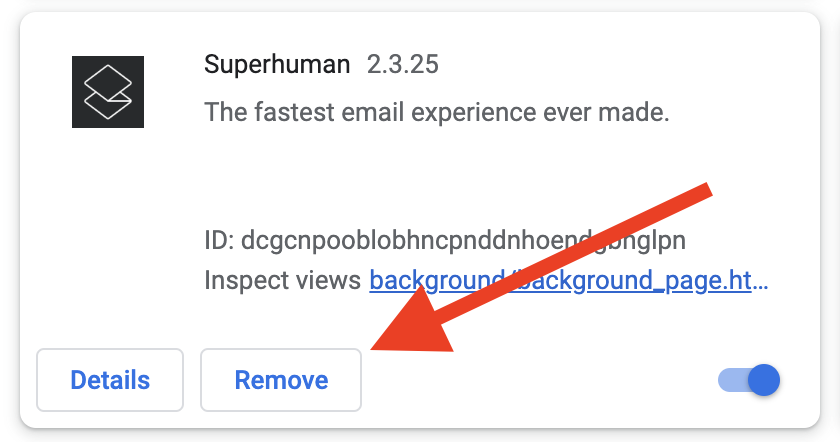
Chrome Extension
- In Chrome, go to chrome://extensions
- Click Remove for Logamail Mail.
FAQs
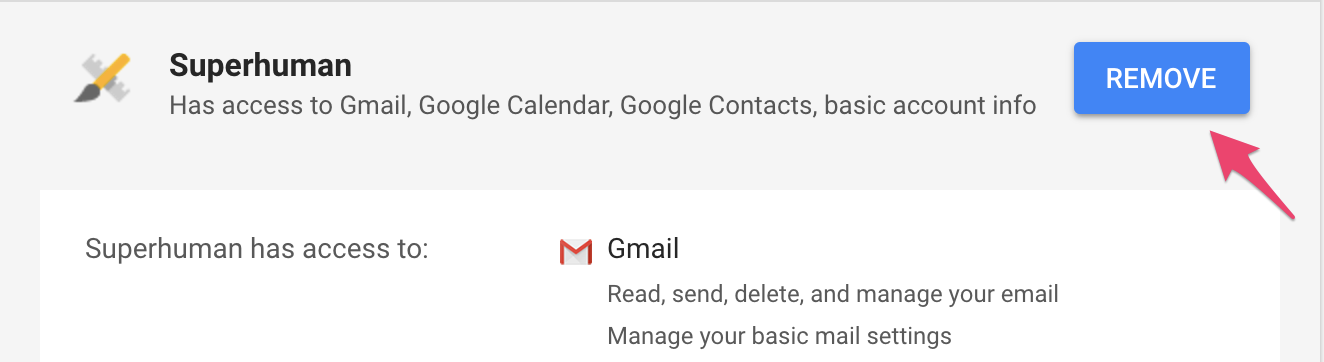
How to revoke Logamail Mail’s access to your Gmail account
- Open your Google account permissions.
- Click Logamail.
- Click Remove.
How to revoke Logamail Mail’s access to your Outlook account
- Open account.microsoft.com/account and sign in to your account.
- Click on the Privacy tab at the top of the page. You may need to verify your identity via an email code.
- Scroll down to the Other privacy settings section.
- Go to Apps and services > Apps and services that can access your data.
- Review the list of apps and establish which you want to revoke.
- Find Logamail and click on Edit to adjust those settings.
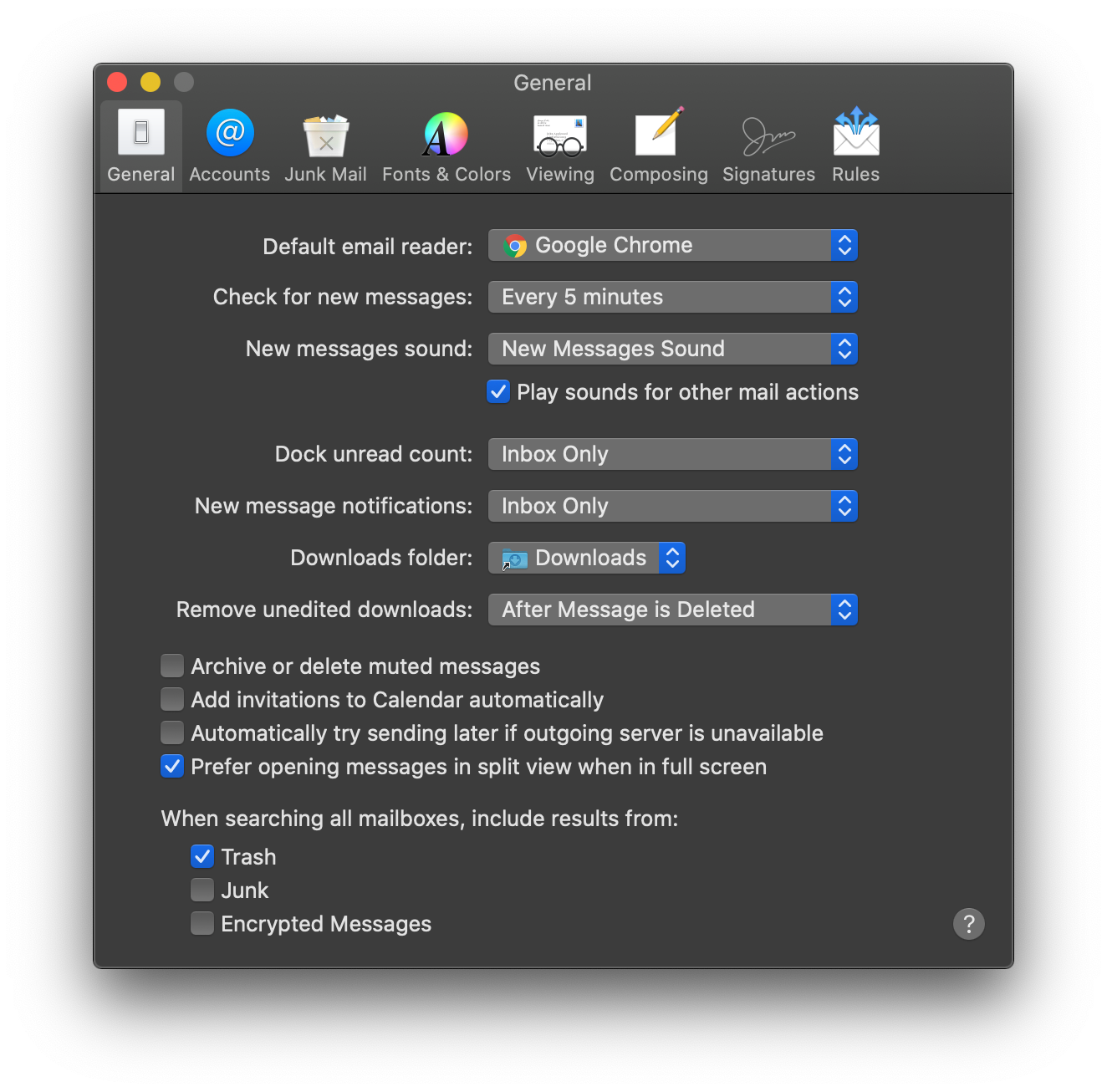
How to remove Logamail Mail as your default email reader on Mac
- Open your Mac's built-in Mail app.
- Click Mail → Preferences in your Mac's menu bar.
- Under Default email reader, select Google Chrome.