




Custom-domain email with AI workflows

Business email for your domain, built to turn customer conversations into work.

Logamail helps small teams launch branded mailboxes, migrate existing mail, coordinate calendars, and use AI-assisted workflows to route, draft, schedule, and follow up.

Use addresses like sales@, support@, billing@, and yourname@logamail.com with a workspace designed for daily business communication.

Customer quote follow-up
Quote request Read 9:42 AM. Follow-up due today.
Support question Routed to support@logamail.com
Calendar invite Shared with operations calendar.
DNS status DKIM and SPF records ready for review.
From: Maya at Logamail <maya@logamail.com>
To: New customer lead
Template: Quote follow-up after estimate
Schedule send Read receipt Reminder Signature
Logamail will nudge the sender if the quote is read but unanswered.
Start setup
Branded mailboxesCreate professional addresses on your own domain.
AI-assisted workflowsDraft, route, schedule, and track customer work.
Migration supportMove IMAP mailboxes without losing working context.
Admin controlsManage users, DNS status, aliases, and routing.

How it works

From domain to working inbox without guessing through DNS.

Logamail keeps setup operational: every step has a concrete result, from mailbox creation to authenticated sending.

Map the addresses your business needs

Create named mailboxes for employees and role addresses for sales, support, billing, hiring, or partners.

Verify ownership and route mail

Set MX, SPF, DKIM, and DMARC records with clear status checks before production sending starts.

Migrate existing messages

Use IMAP migration to bring inbox, sent mail, drafts, and folders into the new workspace.

Run customer conversations

Use templates, follow-up reminders, scheduling, read receipts, and shared calendars in daily work.

Built for working teams

The email features small businesses expect, without a full office-suite rollout.

Send better

Reusable responses and timed delivery

Save quote replies, onboarding notes, support responses, and payment reminders as templates, then schedule them for the right business hour.

Follow through

Receipts and reminders for open threads

Know when a message was opened and set a follow-up reminder so important customer threads do not disappear under new mail.

Coordinate

Calendars that work with outside guests

Share calendars internally and send invites to customers who use common mail clients such as Gmail, Outlook, and Apple Mail.

AI business operations

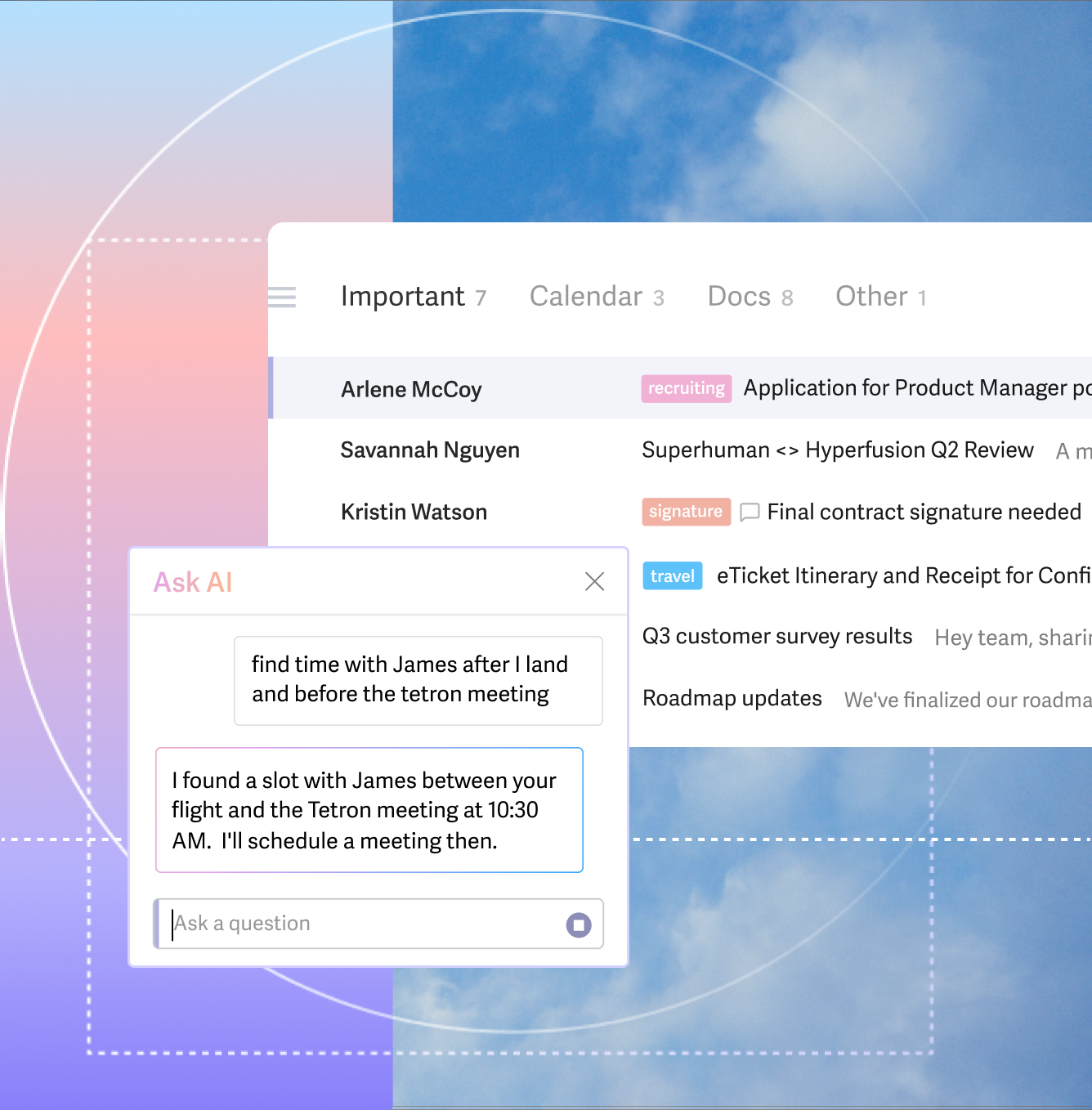
Turn important messages into tasks, schedules, owners, and agent-ready work.

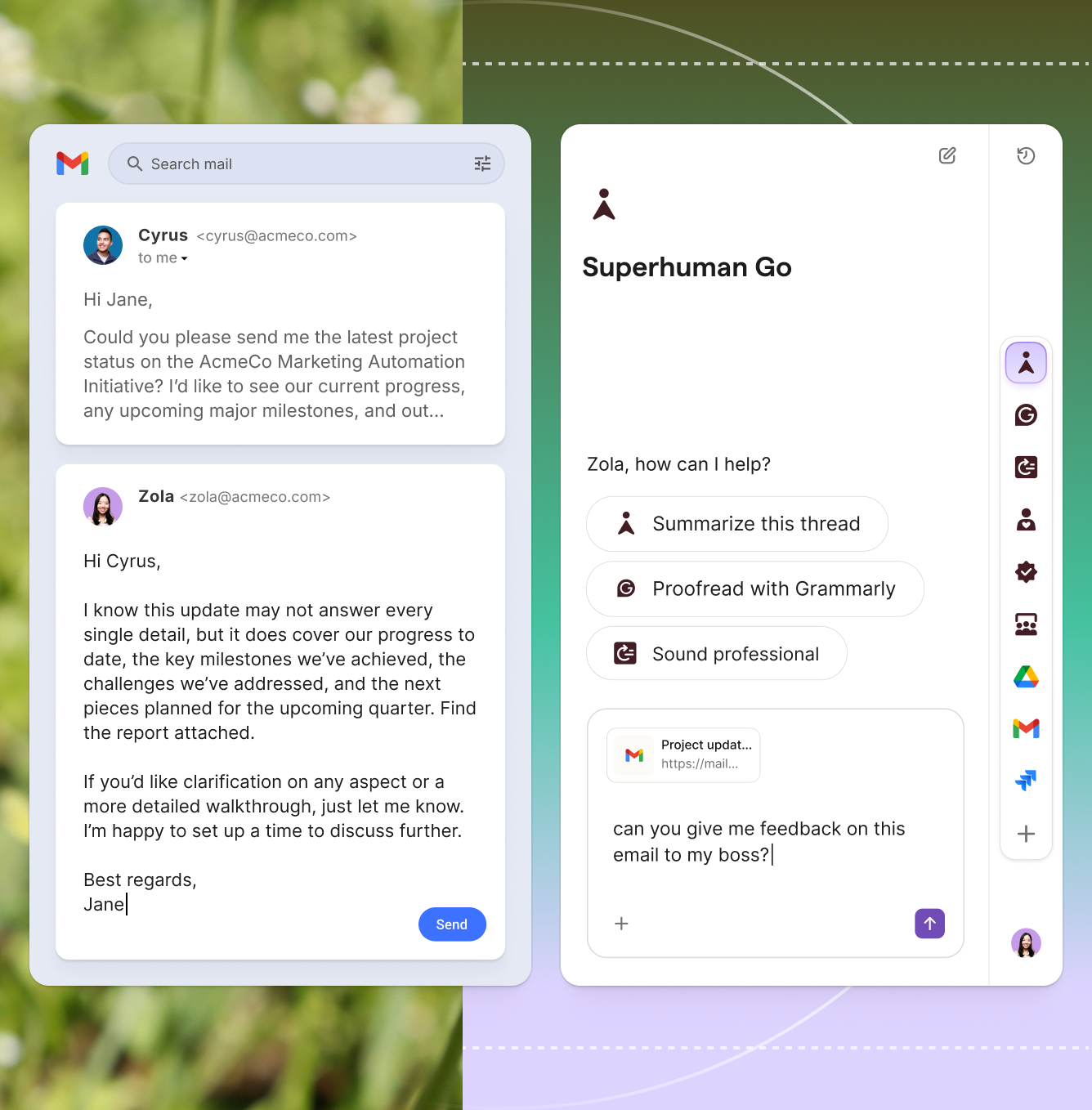
For teams that want more than email hosting, Logamail can add an AI operations layer that reads selected business inboxes and prepares the next action for human approval.

Overview

AI Operations

See how email becomes structured work with owners, due dates, context, and review points.

Explore AI Ops
Process

How It Works

Follow the path from message understanding to task extraction, calendar drafts, and approval.

View the flow
Systems

Integrations

Map inboxes to calendars, task tools, people directories, GitHub, Codex, and Claude Code.

See integrations
Examples

Workflows

Review practical email-to-action patterns for bugs, meetings, assignments, and escalation.

Open workflows

Use-case preview

Fit for businesses where email is the front desk, sales desk, and support desk.

Logamail is strongest when your team needs a professional domain presence and a reliable way to keep customer work moving.

Founders and solo operators

Move from personal email to a branded domain, keep proposals organized, and use signatures and templates to look consistent.

Client-service teams

Share role addresses, coordinate meetings, and track replies for quotes, approvals, onboarding, and renewals.

Local and online businesses

Route orders, support questions, invoices, and appointment requests to the right mailbox without exposing personal addresses.

Ready when the domain is ready

Bring the domain. Logamail helps turn it into a working business inbox.

Tell us how many mailboxes you need, where your current mail lives, and which role addresses should exist on day one.